
How to Build Your Own AI Agent: A Complete Guide to Autonomous Workflow Automation in 2026
If you’re trying to build an AI agent in 2026, you’re probably not looking for another “chatbot that answers questions.” You want something that can do work: triage support tickets, update CRMs, draft documents, run checks, and push tasks forward with minimal supervision.
That’s the promise of modern AI agents—autonomous (or semi-autonomous) systems that combine a language model with tools, memory, and a decision loop. The catch is that most first-time agent builds fail in production for predictable reasons: unclear scope, unsafe tool access, missing evaluations, and surprising costs at scale.
In this guide, you’ll go from idea → architecture → implementation → production rollout. You’ll learn the core components, a step-by-step build process (no-code and code-based), platform options, and a production checklist that teams can actually use.
What is an AI agent? (AI agents explained)
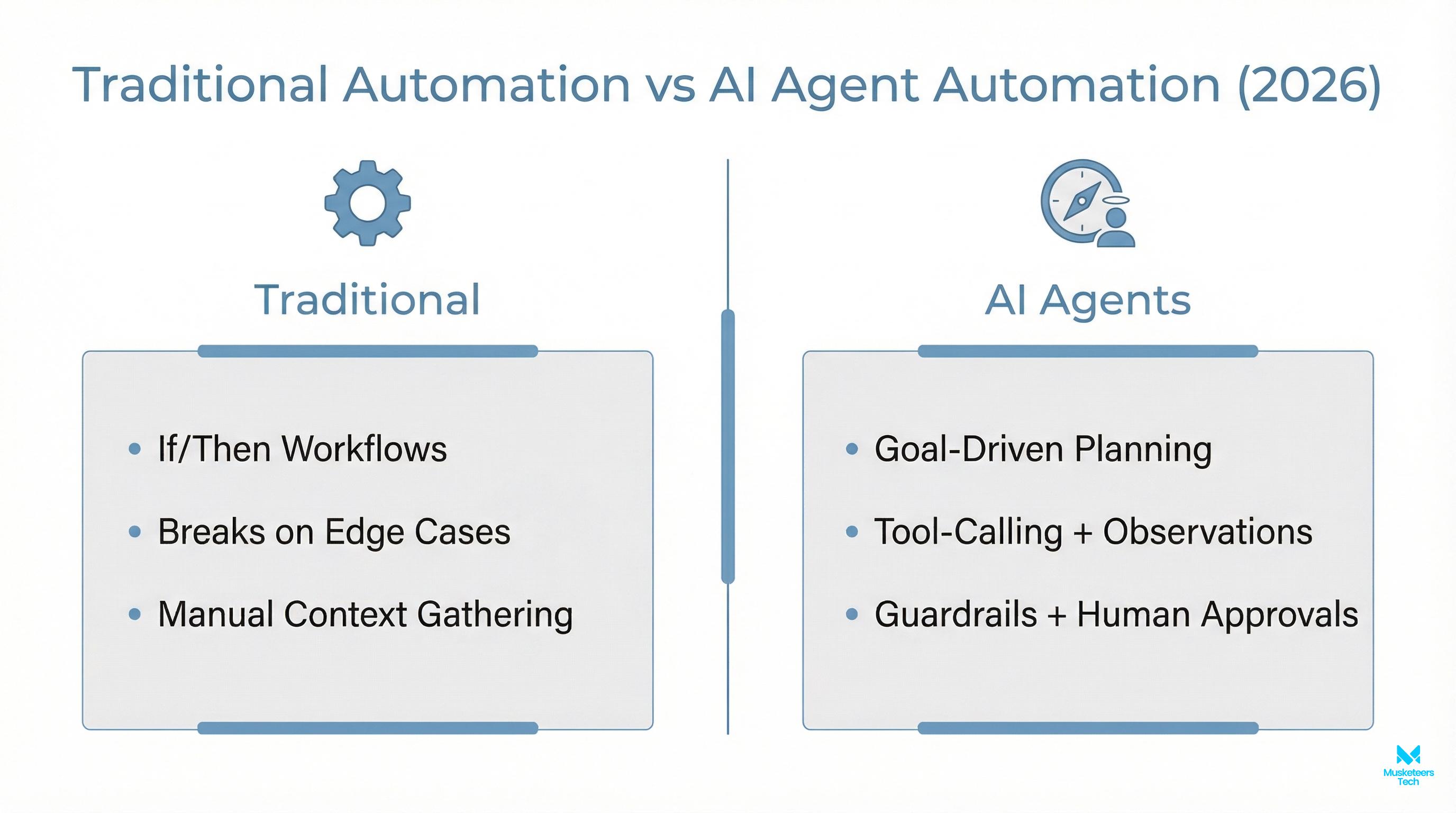
An AI agent is a software system that can interpret a goal, decide on next steps, and take actions using connected tools—often in a loop—until the goal is reached or a handoff is needed.
In practice, an agent usually includes:
- An LLM “brain” (reasoning + language)
- Tools/actions (APIs, databases, SaaS apps, browser, code execution)
- Memory (to keep context and reuse knowledge)
- A controller loop that decides: plan → act → observe → adjust
This is why the SERP (and Google’s AI Overview) tends to emphasize scope + tools + memory + deployment. If you only have an LLM prompt, you have a helpful assistant. When you add tools + loop + constraints, you have an agent.
For background on early “agentic” systems and how the concept evolved, see our AutoGPT explainer.
Why building an AI agent matters in 2026 (benefits)
The biggest reason companies build AI agents now isn’t novelty—it’s throughput. Agents can reduce cycle time across repetitive workflows, especially where work bounces between systems and people.
- Faster operations: agents can perform multi-step work (e.g., “create ticket → fetch account → draft response → request approval → send”).
- Lower cost per outcome: once you get reliability and guardrails right, one agent can handle a large share of “long tail” work.
- Better customer experience: shorter response times and consistent answers, especially when connected to a knowledge base.
- More leverage for specialists: agents can prep drafts, summaries, analyses, and next-best actions—humans approve the high-risk steps.
The 10/20/70 rule for AI (why rollout beats model tweaks)
A useful execution mindset is the 10/20/70 rule for AI: success is often ~10% model work, ~20% tech/data foundation, and ~70% people/process change. See BCG’s perspective in The Leaders Guide to Transforming with AI.
Core components of an autonomous AI agent (LLM, tools, memory, loop, guardrails)
To build AI agent systems that work outside demos, you need to design the whole system—not just prompts.
The agentic loop (plan → act → observe → refine)
Most practical agents implement a loop similar to:
- Plan: interpret the user’s goal; create steps.
- Act: call a tool (API, DB query, ticketing system).
- Observe: read the tool result; detect errors and missing info.
- Refine: continue, retry, or escalate to a human.
This loop is the key difference between “single response AI” and “agentic AI.” It also creates the biggest risks: runaway loops, excessive tool calls, and unsafe actions. So you add constraints (timeouts, budgets, permissions, and approval gates).
Memory: short-term vs long-term
Agents need memory for two different jobs:
- Short-term memory: the current conversation/task state (what’s already been tried, what remains).
- Long-term memory: reusable knowledge (docs, policies, prior cases), often implemented using a vector database + retrieval (RAG).
If you’re building customer support automation, long-term memory is usually the difference between a helpful agent and a hallucinating one. For a deeper primer on training/grounding models on internal knowledge, see how to train ChatGPT on your own data.
Tools/actions: where real value comes from
A tool is any function the agent can call:
- Read: CRM lookup, ticket history, inventory, billing status
- Write: create/update tickets, draft emails, schedule meetings
- Compute: run validation, calculate discounts, generate reports
The more “write” access you give, the more you need guardrails (role-based permissions, approvals, audit logs).
Guardrails: permissions, policies, and safe outputs
At minimum, define:
- What the agent can do (allowed tools + parameters)
- What it must never do (policy + disallowed actions)
- When to ask for human approval (high-cost, high-risk actions)
- What to do when uncertain (fallback behaviors)
Governance baseline
For risk management references, many teams align with the NIST AI Risk Management Framework.
Step-by-step: How to build an AI agent (2026 workflow automation blueprint)
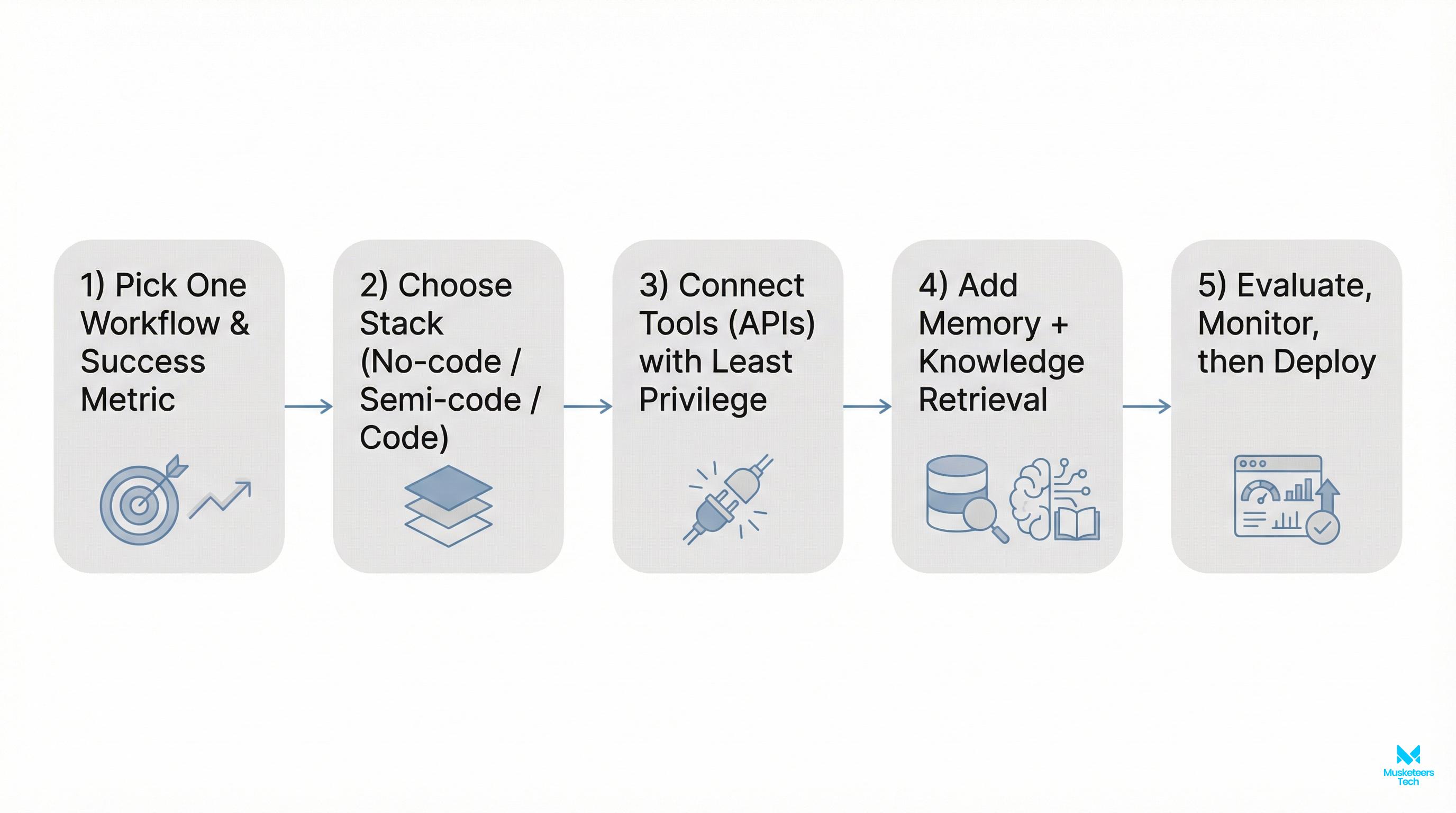
This is a practical, repeatable sequence you can use whether you’re building with an AI agent platform or from scratch.
Step 1: Define scope (and say “no” on purpose)
Start with one workflow and define:
- The goal (what outcome counts as success?)
- Inputs/outputs (what data is required? what gets produced?)
- Boundaries (what is out of scope?)
- Risk level (what actions require approval?)
Example: “Triages inbound support emails, classifies issue type, drafts a reply citing help docs, and escalates billing issues to humans.”
Step 2: Pick build style: no-code, semi-code, or full-code
If you’re evaluating build AI agent no code vs code, here’s a simple rule:
- No-code (fast): best for linear workflows, prototypes, internal ops
- Semi-code (balanced): best for real deployments with some customization
- Full-code (control): best for regulated domains, complex tools, custom evals
- Fastest to prototype and validate ROI
- Great for linear flows and internal tools
- Limits: complex logic, custom guardrails, deep observability
Step 3: Choose the model (LLM) and routing strategy
Most teams start with a strong general model to validate performance, then optimize cost later by:
- Using smaller models for classification/routing
- Reserving premium models for complex reasoning
- Adding strict retrieval grounding for factual tasks
Step 4: Design tools/actions with least privilege
Treat tools like production APIs:
- Prefer read-only tools until reliability is proven
- Use scoped tokens per tool (not one “god key”)
- Enforce parameter constraints (e.g., can’t refund over $X)
Step 5: Add memory + knowledge grounding
If your agent needs to reference internal docs, use a RAG approach:
- Ingest docs (policies, product docs, runbooks)
- Chunk + embed + store in a vector DB
- Retrieve relevant passages per question/task
- Require citations in drafts (even if only internal)
Step 6: Add evaluation before you “ship”
Don’t rely on vibes. Create:
- A small test suite (20–100 real tasks)
- Pass/fail criteria (accuracy, tone, policy compliance, correct tool usage)
- Regression runs after changes (prompts/tools/model updates)
Step 7: Deploy with monitoring + human-in-the-loop gates
In production, you want:
- Tracing (what did the agent do and why?)
- Tool-call logs + costs
- Confidence signals + escalation rules
- A simple “Stop” mechanism (kill switch)
If you’re building with a code framework, “build AI agent with LangChain” is a common approach for tool calling and retrieval, while LangGraph-like patterns help implement robust loops and state machines.
AI agent platforms and tools (what to use in 2026)
If you search “ai agents tools,” you’ll find an overwhelming list. Instead, pick based on your constraints: speed, control, security, and hosting.
Here’s a practical shortlist by category:
- No-code/low-code automation: n8n (good for workflow orchestration), similar iPaaS tools
- Agent builders/platforms: Botpress-style builders for conversational agents + integrations
- Frameworks (code): LangChain/LangGraph patterns, CrewAI-style multi-agent orchestration
- Enterprise ecosystems: Microsoft’s copilot/agent patterns and learning resources
- Observability: tracing + logging solutions (or your own via OpenTelemetry)
If you’re primarily building customer-facing automation, pair this guide with our AI chatbot for customer service playbook.
Build vs buy (quick comparison)
| Decision | When it makes sense | Tradeoffs |
|---|---|---|
| Buy an AI agent platform | You need speed, common integrations, fast ROI | Less customization, vendor limits, lock-in risk |
| Build your own AI agent | You need control, custom tools, strong governance | More engineering, eval/ops burden |
| Hybrid | You need speed now + custom later | Requires a roadmap and integration discipline |
Production checklist (the part most “how-to” guides skip)
This is where many projects fail—because agent demos don’t equal agent operations.
Security & permissions (non-negotiable)
- Separate environments (dev/staging/prod)
- Secrets management (no keys in prompts/logs)
- Per-tool RBAC and least privilege
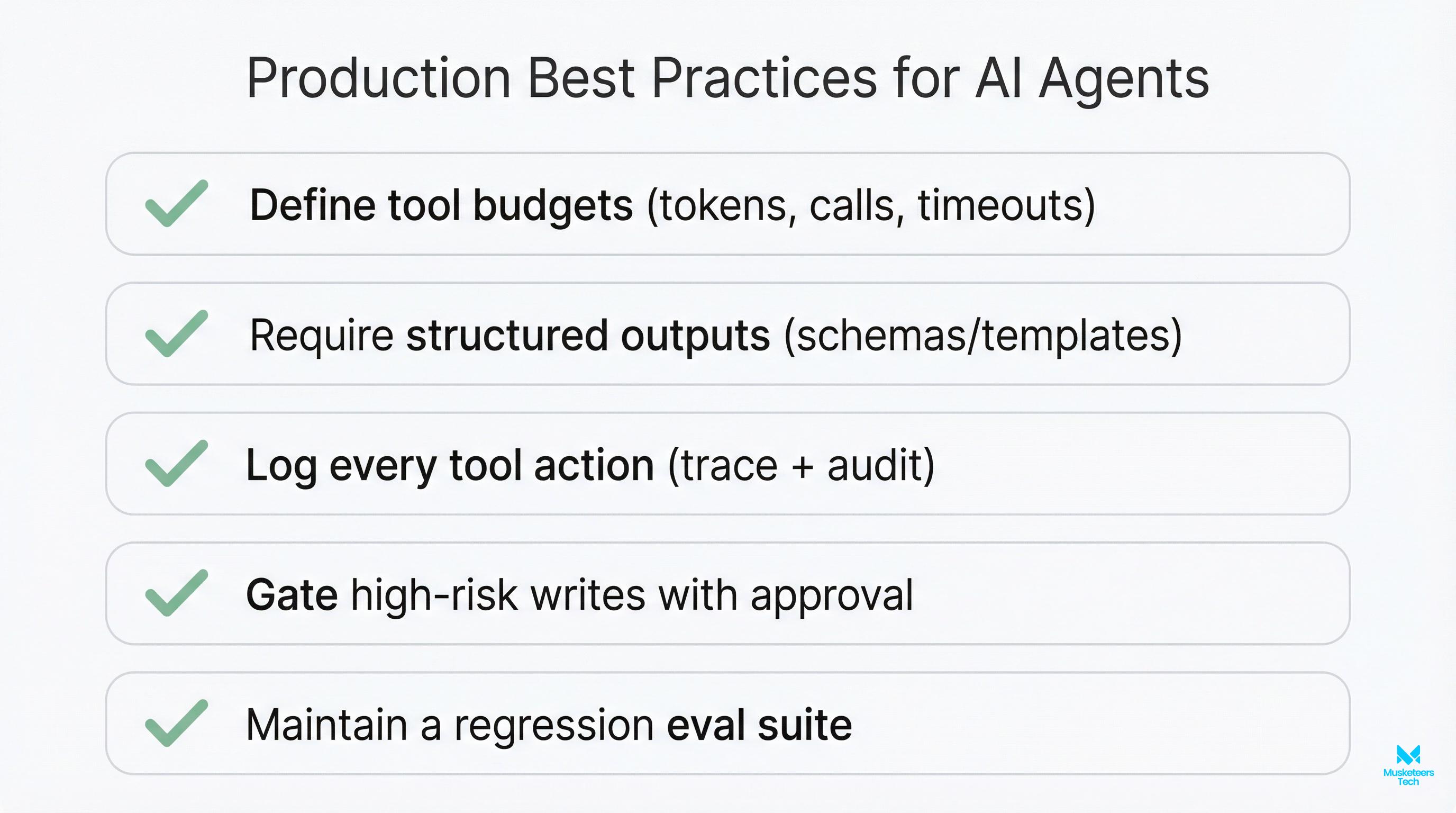
- Write actions behind approvals for high-risk steps
- Audit logs for every tool call
Reliability & evaluation
- Fixed task suite + regression tests
- “Unknown/uncertain” behavior defined (escalate, ask clarifying questions)
- Output constraints (schemas, templates, required citations)
- Rate limits + retry policies for flaky APIs
Observability & cost controls
- Trace every run (inputs, tool calls, outputs, errors)
- Per-workflow budgets (max tool calls, max tokens, max time)
- Model routing (cheap model for easy tasks; premium only when needed)
People/process (10/20/70 reality)
- Update SOPs so humans know what to review and when
- Train teams on “agent supervision,” not just usage
- Define ownership (who maintains prompts, tools, evals?)
Best practices & common mistakes (what teams get wrong)
Best practices:
- Start with one workflow and expand after reliability is proven
- Use structured outputs (JSON schemas) for tool calls
- Prefer retrieval grounding over “training” for most internal knowledge
- Put “write” actions behind approvals until trust is earned
Common mistakes:
- Letting the agent browse/write everywhere too early
- Shipping without an eval set (“it worked in a few chats”)
- Ignoring change management (the 70% in 10/20/70)
- Not budgeting for ongoing maintenance (prompts, tools, docs drift)
Frequently Asked Questions (FAQs)
Yes. You can create your own AI agent by combining an LLM with tools (APIs), memory (optional but common), and a controller loop that plans and executes actions with guardrails and monitoring.
How Musketeers Tech Can Help
At Musketeers Tech, we help teams move from “cool demo” to production-ready AI agents that automate real workflows—securely and measurably. If you want to build AI agent systems that connect to your existing tools (CRMs, ticketing, internal dashboards, databases), we can design the agent architecture, implement tool integrations, and set up evaluation + monitoring so reliability improves over time.
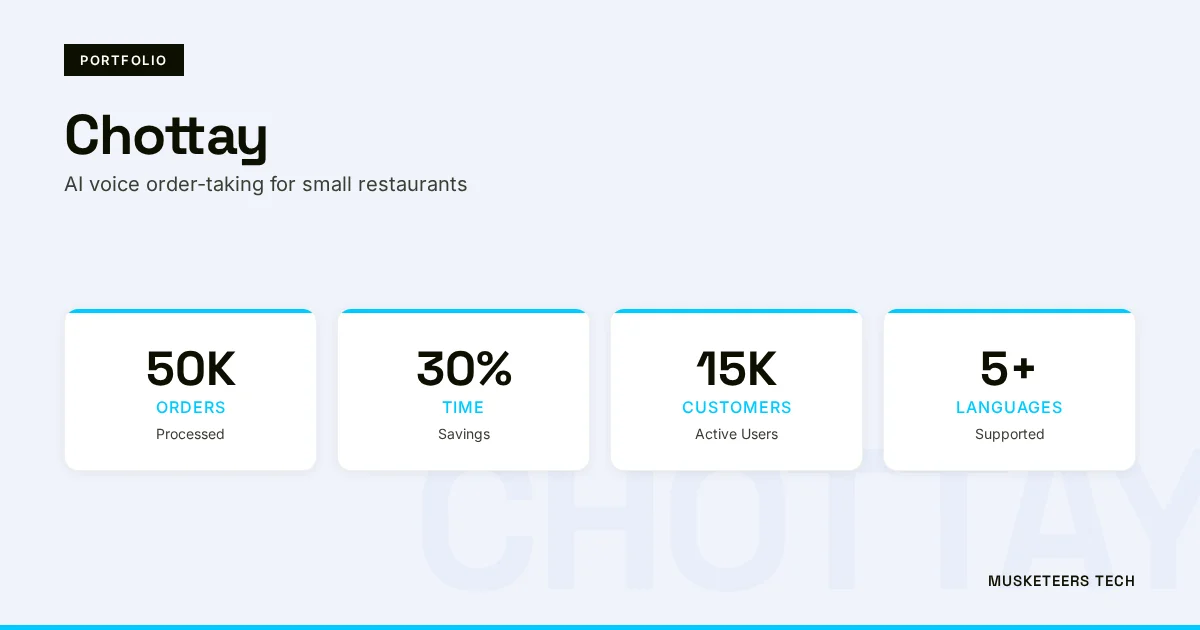
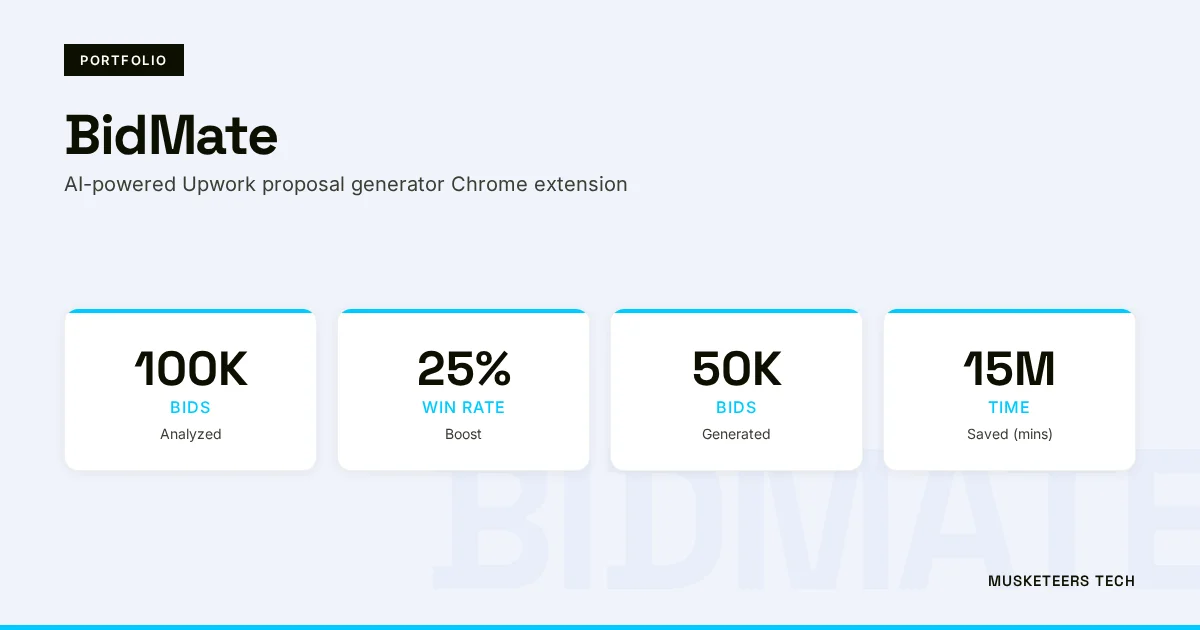
We’ve delivered AI experiences across industries—from conversational systems to AI-driven workflow automation. Relevant examples from our portfolio include BidMate (AI assistant for winning bids) and Chottay (AI order-taking experience)—projects that required practical orchestration, UX, and real-world constraints.
Learn more about our AI Agent Development or see how we helped clients with similar challenges in our portfolio. You might also explore our Generative AI Application Services.
AI Agent Development
Design, build, and deploy autonomous agents with the right tools, memory, and guardrails.
Generative AI Apps
Custom copilots and RAG apps grounded in your data, with observability and evals.
Final Thoughts
To build an AI agent successfully in 2026, focus less on hype and more on fundamentals: clear scope, safe tool access, grounded knowledge, and an evaluation harness that prevents regressions. The teams that win aren’t the ones with the fanciest prompts—they’re the ones who treat agents like production software: versioned, observable, cost-controlled, and aligned with real business processes (the 70% in 10/20/70).
If you’re just starting, pick one workflow, prototype quickly (no-code or semi-code), and then “productionize” with guardrails, approvals, and monitoring. If you’re already experimenting, your next leverage point is usually evaluations and permissions—those two unlock safe automation at scale.
Need help with autonomous workflow automation? Check out our AI agent development services or explore our recent projects.
Last updated: 11 Feb, 2026
