
What Is OpenClaw (ClawdBot) and Why It Matters: The Rise of Personal AI Agents
Personal AI agents are moving from hype to everyday utility. OpenClaw (ClawdBot) represents this shift: a goal-driven, safety-aware assistant that remembers your preferences, connects to your tools, and completes multi-step tasks—without endless micromanagement.
TL;DR
OpenClaw (ClawdBot) is a personal AI agent framework designed to:
- Understand goals (not just commands)
- Use tools and data sources securely
- Maintain memory for personalization
- Log actions for observability and trust
- Scale from simple reminders to complex, cross-app workflows
Introduction
Unlike a traditional chatbot that answers one-off prompts, OpenClaw is built to execute. It blends memory, tool orchestration, and guardrails so it can reliably accomplish tasks: draft a proposal, update your CRM, schedule follow-ups, and summarize results—end to end. This guide explains what OpenClaw is, how it works, where it fits, and how to implement it safely in your organization.
OpenClaw (ClawdBot) is a personal AI agent system that:
- Interprets intent, decomposes goals into steps, and executes across your apps
- Uses a memory layer to personalize decisions and avoid repeating context
- Orchestrates tools (APIs, actions) with strict permissions and audit logs
- Applies policies and confirmations to keep humans in control
- Surfaces progress and outcomes with transparent observability
Why Personal AI Agents Are Rising Now
- Foundation models improved reasoning and tool-use capabilities.
- Enterprises demand safe automation that respects policy and compliance.
- The app ecosystem is API-first, making cross-tool orchestration practical.
- Teams are stretched: agents help eliminate repetitive, multi-app busywork.
How OpenClaw (ClawdBot) Works
OpenClaw follows a deliberate lifecycle: pick a use case, connect the right data and tools, define allowed actions and guardrails, add memory, and then test with observability.
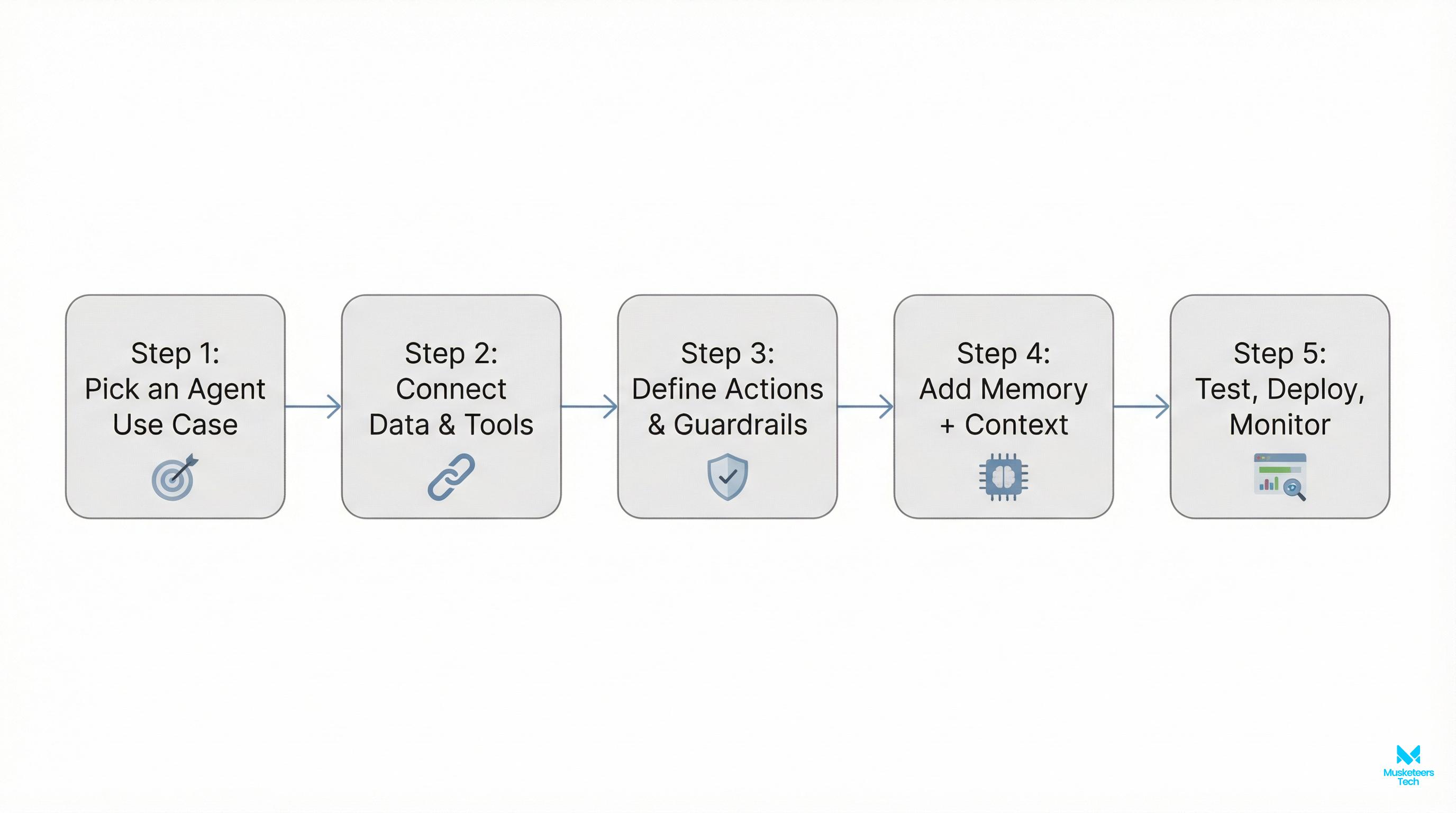
Step 1: Pick an agent use case
Start with a narrow, high-value task:
- SDR follow-ups from CRM signals
- Weekly product-changelog drafts
- Recruiting pipeline nudges and scheduling
- Invoice reconciliation and reminders
Tie success to a clear KPI: replies sent, hours saved, error rate, or cycle time.
Step 2: Connect data and tools
Grant the agent access to only what it needs:
- Data: CRM, docs, meeting notes, inbox summaries
- Tools: calendar, email, Slack, ticketing, billing
- Secrets: managed via vault; rotate keys automatically
Consider a “read-first” pilot before enabling write actions.
Step 3: Define actions and guardrails
Give the agent verbs with constraints:
- Allowed actions: create_draft_email, post_slack_update, schedule_meeting
- Permissions: least-privilege scopes per app
- Confirmation rules: require user approval for sensitive writes
- Rate limits and budgets: cap requests, enforce cost ceilings
Step 4: Add memory and context
Personalize outcomes with structured memory:
- Preferences: tone, templates, routing rules
- History: prior decisions, customer notes
- State: in-flight tasks and their owners
Memory should be queryable, versioned, and redactable for privacy.
Step 5: Test, deploy, and monitor
Ship in safe increments:
- Shadow mode: simulate actions, log what would have happened
- Gradual rollout: per team or per tool
- Observability: traces, prompts, tool calls, tokens, and outcomes
- Feedback loop: thumbs up/down, quick-correct, and “teach” moments
Implementation Tip
Start with read-only actions and explicit confirmations. As confidence rises, move specific actions to “auto-approve” with tight scopes and complete logging.
OpenClaw vs. Traditional Automation
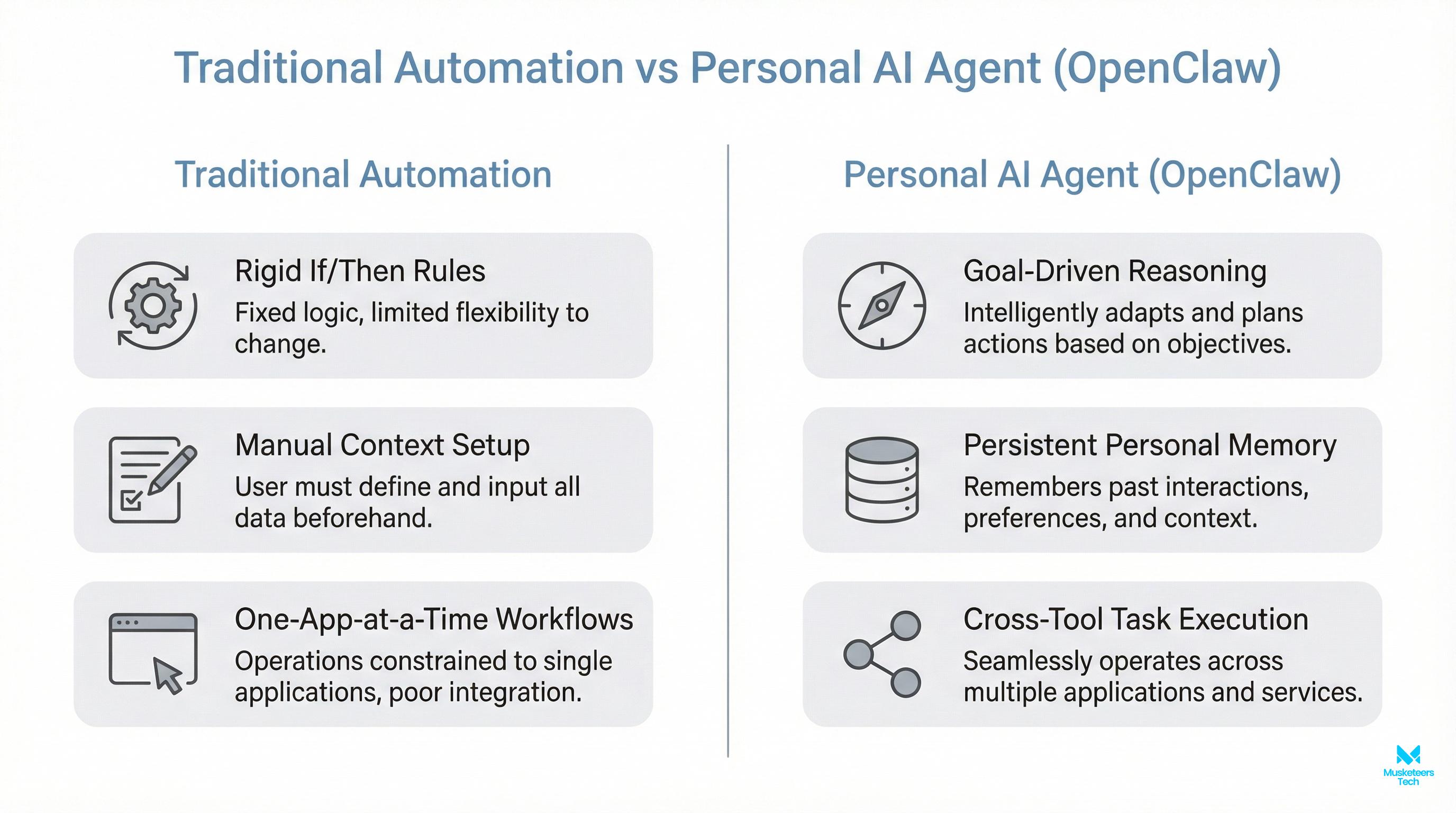
- Traditional automation
- Rigid if/then rules
- One app at a time
- Manual context setup
- OpenClaw personal agent
- Goal-driven reasoning with tool selection
- Cross-app execution with memory
- Learns preferences and adapts
Result: More flexible, resilient workflows—and fewer brittle zaps and scripts.
Core Capabilities Inside OpenClaw
Memory and user profile
- Stores preferences, styles, and recurring decisions
- Short-term scratchpad for task context
- Long-term memory for personalization, with redaction controls
Tool/action orchestration
- Structured actions with inputs/outputs and validations
- Retriable steps and error handling
- Parallelizable tasks where safe (e.g., drafting multiple follow-ups)
Permissions and safety controls
- App-level scopes (OAuth) with allowlists
- Human-in-the-loop confirmations for sensitive tasks
- Policy enforcement: data residency, PII masking, DLP checks
Model and prompting layer
- System prompts and policies tuned for each use case
- Router to pick best model for step: reasoning vs. extraction vs. generation
- Guarded generation: templates and schema validation
Observability and logs
- Full trace of prompts, tool calls, inputs/outputs, and decisions
- Diff views for edited drafts and auto-actions
- Metrics: success rate, latency, token/cost, and feedback scores
Best Practices for Safe, Effective Agents
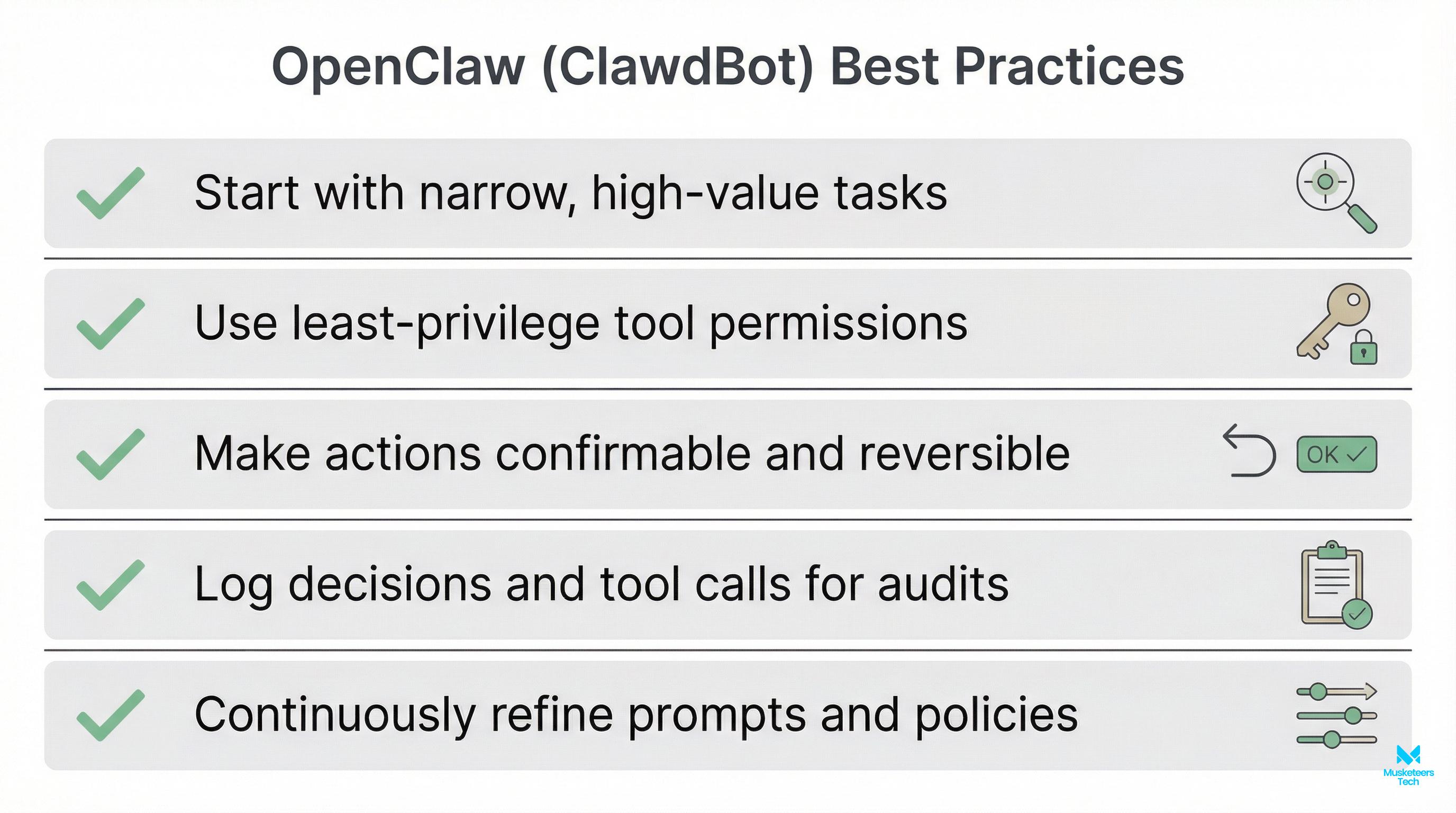
- Start with narrow, high-value tasks to build trust.
- Use least-privilege permissions across every tool.
- Make actions confirmable and reversible by design.
- Log decisions and tool calls for audits and RCA.
- Continuously refine prompts, policies, and memory.
Security & Compliance
Treat agents like new team members with access: define scopes, monitor activity, train on policy, and require approvals for high-impact actions. Always encrypt secrets and rotate keys.
Real-World Use Cases
- Sales ops: Draft and schedule personalized follow-ups from CRM triggers
- Marketing: Assemble weekly newsletters from product and content feeds
- Support: Triage tickets, suggest responses, create issues, and tag trends
- Finance: Nudge overdue invoices with tailored, on-brand emails
- Recruiting: Screen resumes, draft outreach, and schedule interviews
- Engineering: Summarize incidents, post updates, and open follow-up tasks
If you want to see related AI initiatives, explore our work like BidMate—your AI assistant for winning bids on Upwork—inside our portfolio: https://musketeerstech.com/portfolio/bidmate-your-ai-assistant-for-winning-bids-on-upwork/
When to Use OpenClaw vs. Other Approaches
- Use OpenClaw when tasks span multiple tools, need memory, and benefit from approvals and logs.
- Use classic automation (RPA/zaps) for deterministic, single-app, high-volume steps.
- Use a plain chatbot when you only need conversational Q&A with no real actions.
Implementation Patterns
Single-user assistant
- Personal inbox triage, note cleanup, calendar prep
- Local memory, lightweight tools, optional approvals
Team agent
- Shared pipeline nudges, daily digests, backlog grooming
- Centralized memory and policy; team-level approvals
Embedded product agent
- In-app co-pilot for customers
- Scoped tenancy, auditable logs, and customer-specific memory
How Musketeers Tech Can Help
Whether you’re piloting a small agent or rolling out a cross-department assistant, we can help with use-case discovery, architecture, integration, and safe rollout.
AI Agent Development
Design, build, and scale OpenClaw-style agents with memory, tools, and safety.
Generative AI Applications
From prompt engineering to model routing and evals, we make AI useful and safe.
Software Strategy Consulting
Validate ROI, prioritize use cases, and plan your rollout with confidence.
You can also browse more of our work:
- Portfolio index: https://musketeerstech.com/portfolio/
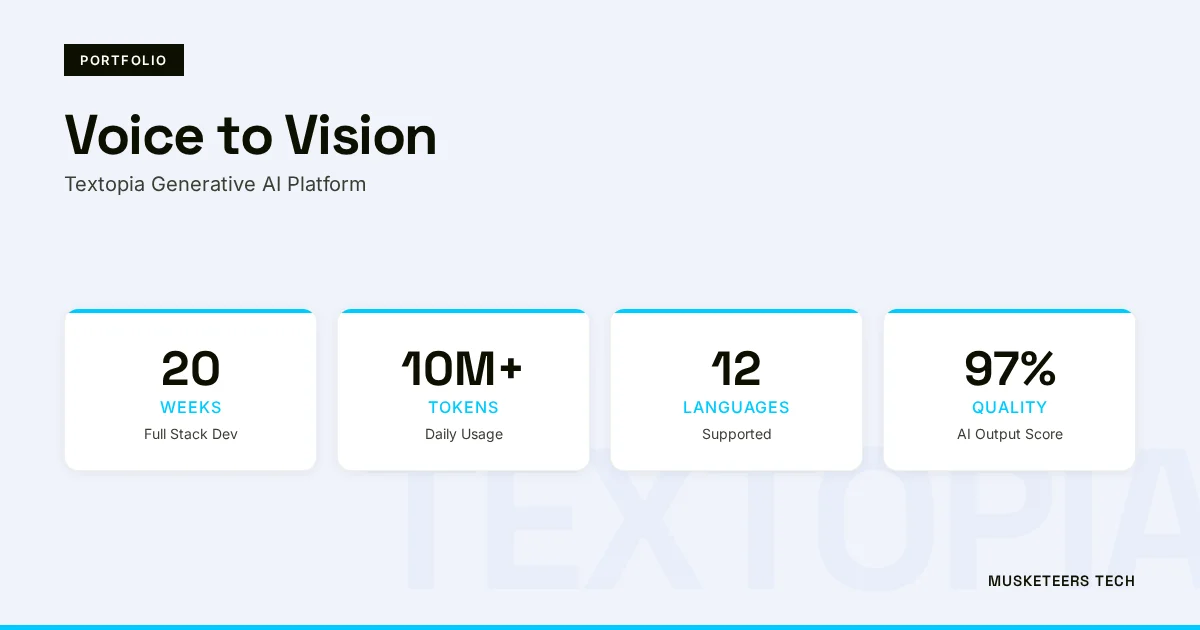
- Voice to Vision (Textopia): https://musketeerstech.com/portfolio/voice-to-vision-bringing-text-to-life-with-textopia/
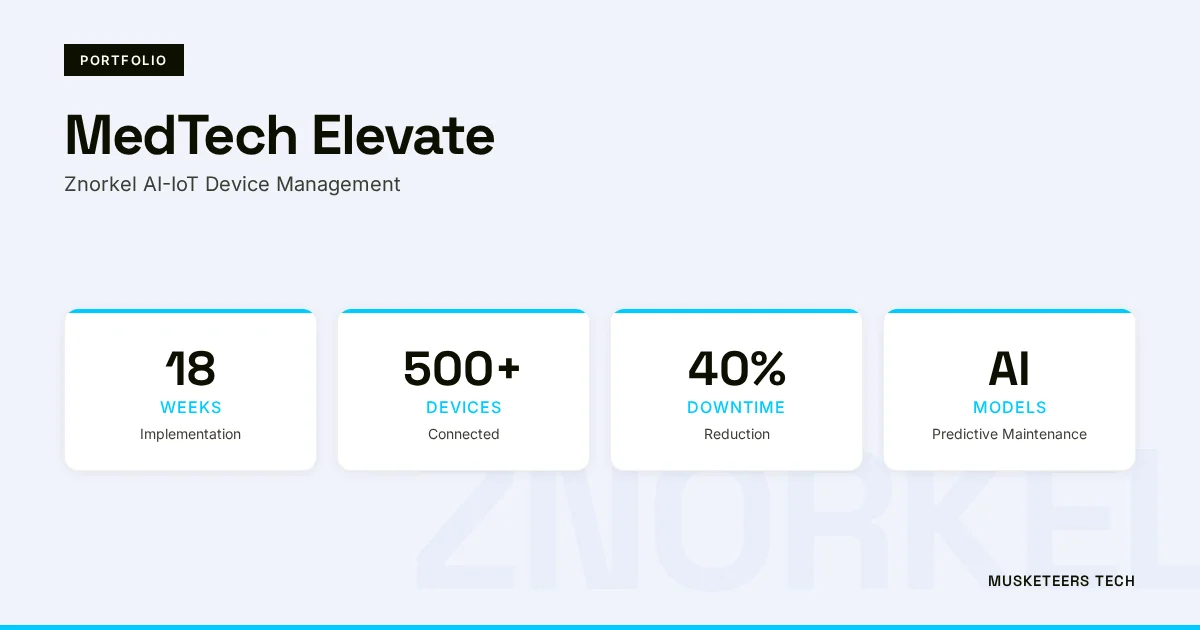
- MedTech Elevate: https://musketeerstech.com/portfolio/medtech-elevate-ai-innovation-for-znorkels-device-lifecycle-management/
Frequently Asked Questions
A chatbot answers questions; OpenClaw executes tasks. It plans, uses tools with permissions, keeps memory, asks for confirmations when needed, and logs everything for trust and improvement.
Get Started with a Safe, Useful Personal AI Agent
OpenClaw (ClawdBot) shows that agents can be trusted partners when memory, permissions, and observability come first. Start small, learn fast, and scale what works.
Get Started Learn More View Portfolio Read MoreLast updated: 11 Feb, 2026
